> For the complete documentation index, see [llms.txt](https://docs.scorable.ai/llms.txt). Markdown versions of documentation pages are available by appending `.md` to page URLs; this page is available as [Markdown](https://docs.scorable.ai/concepts-and-examples/usage/monitoring-and-insights.md).
# Monitoring & Insights
Scorable Monitoring View Features
[Monitoring View](https://scorable.ai/monitoring/dashboard)
## Overview
The main dashboard provides a high-level summary of all Evaluator and Judge executions within your organization.
#### Slack integration
You can get detailed insights about your application's behavior by [connecting](https://scorable.ai/settings/integrations) the Scorable Slack app.
The Slack integration provides two capabilities:
**Daily digest notifications** — Configure a channel ID in the integration settings to receive a daily summary posted to that channel. The digest reports issue types that showed up in the last 24 hours and had not been seen in the preceding 30 days, so it stays a signal that something new has started happening rather than a daily repeat of your top issues. Each entry links straight to that issue in the Issues view. On a day with nothing new, no message is sent. This requires issue classification to be enabled for your deployment.
**Conversational AI assistant** — Once connected, you can DM the Scorable bot or @mention it in any channel to ask natural-language questions about your evaluation data. For example:
* "How many evaluations failed last week?"
* "Show me the worst-performing evaluator in the past 30 days"
* "What are the top failure categories for my judge?"
The bot uses your organization's evaluation data to answer questions in context. No channel configuration is required for this feature — it works anywhere you invite the bot.
#### Logs and traces
Every single *Evaluator* and *Judge* execution result is logged. Each execution can also be tagged with labels, and filtering & grouping with tags is supported. Metadata such as `user_id` and `session_id` can be passed during execution to enable granular tracking and user-level insights within the dashboard.
Overall trends and summaries for each Judge can also be found in the *Monitoring* view.
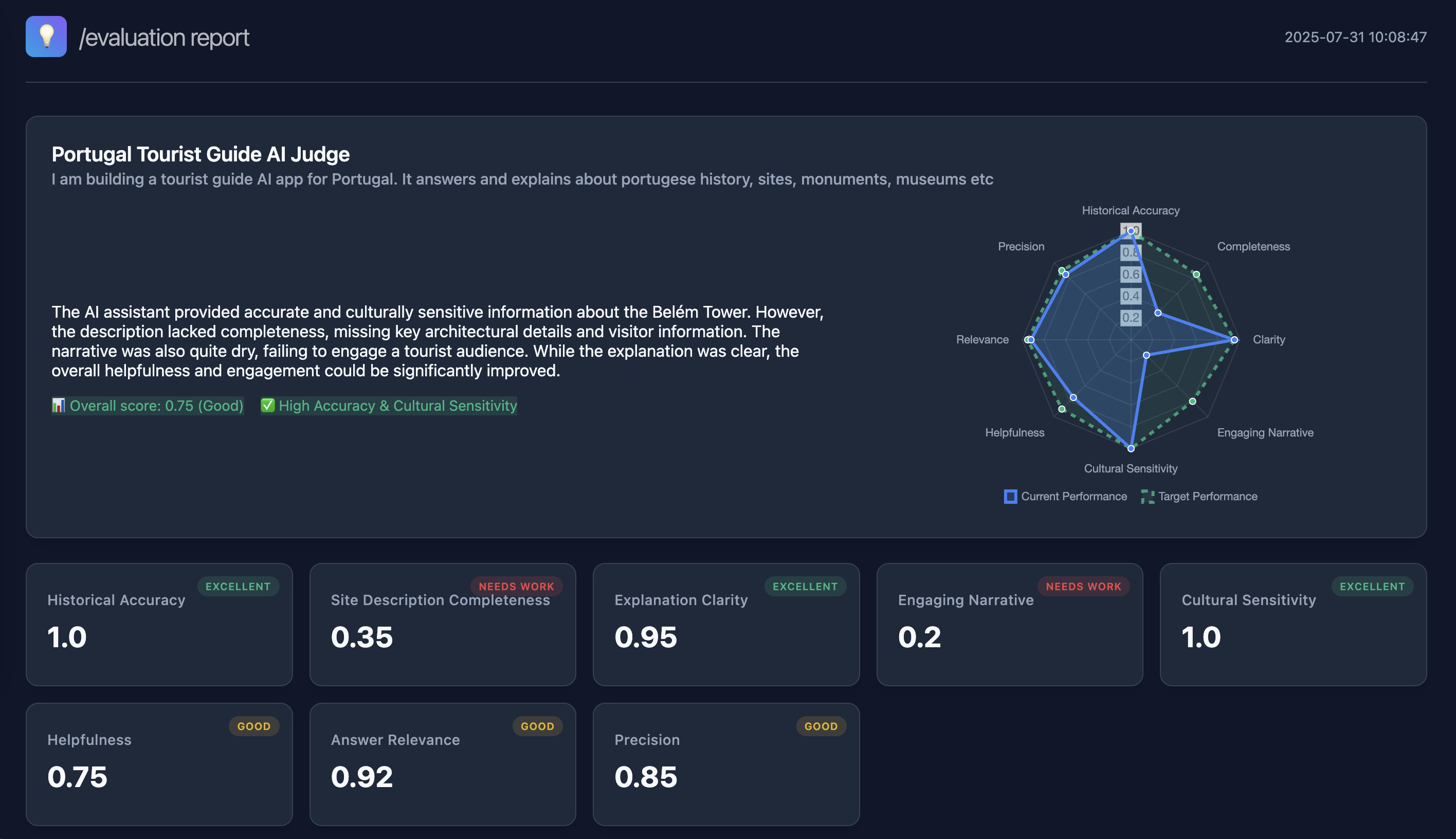
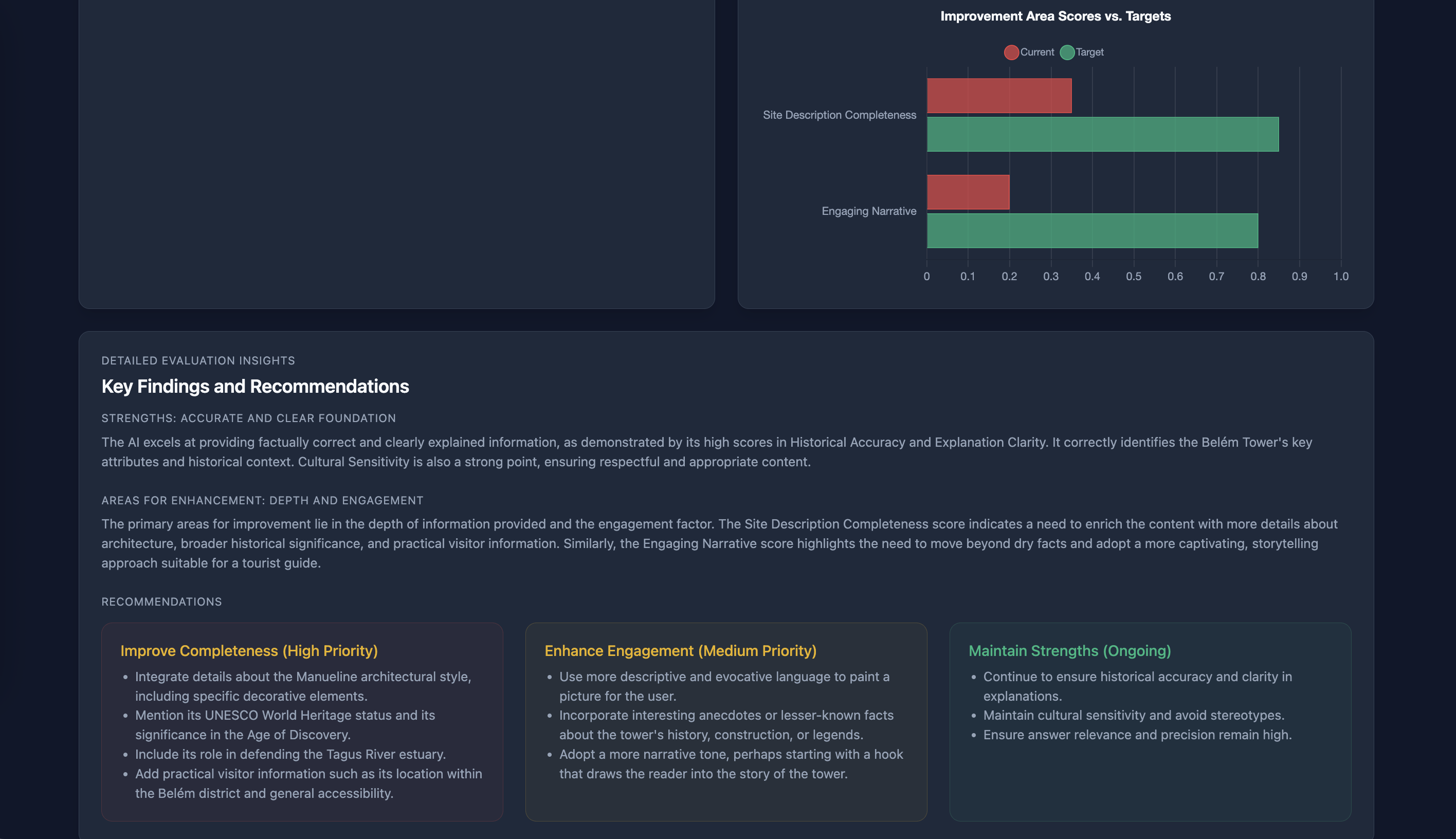
#### HTML Reports
One can create a shareable HTML Report for any *Judge* execution by clicking the Generate HTML Report button.